

How to Turn On Dark Mode in the Shareide App
Booking a ride at night with a bright white screen in your face isn't fun for you or anyone sitting near you. Here's how to switch Shareide to dark mode in a few taps.

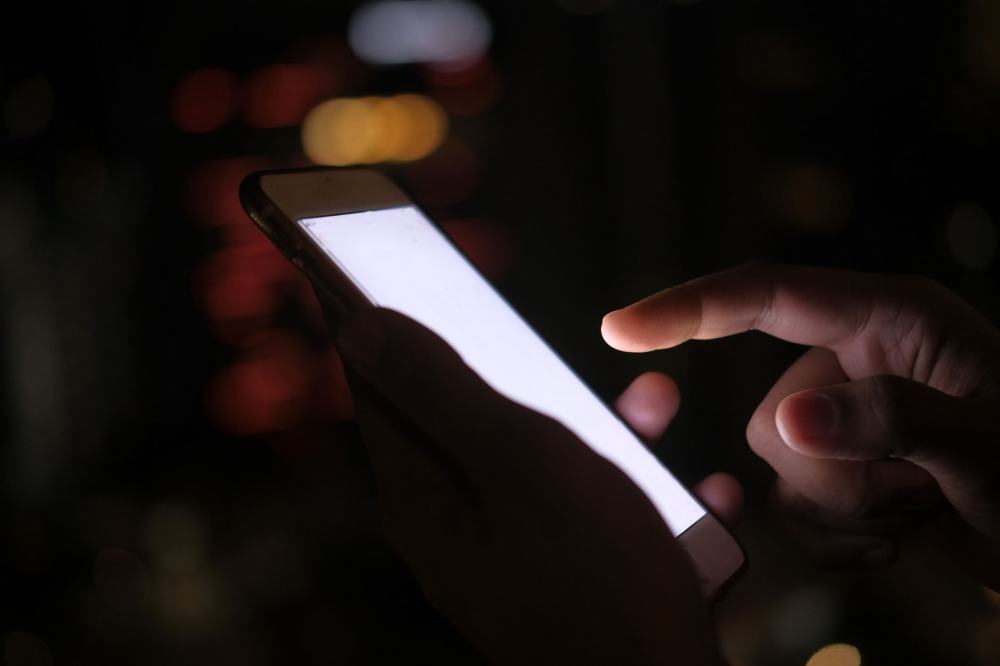
If you've ever opened a ride-hailing app late at night and been hit with a blinding white screen, you already know why dark mode exists. It's a small thing, but it makes a real difference — less eye strain when you're checking your ride at 1 a.m., less battery drain on the way home, and a screen that doesn't light up half the car when everyone else is trying to sleep.
Why it's worth turning on
Dark mode isn't just a visual preference. For a lot of riders and drivers, most of the meaningful app usage happens at night — booking a late ride home from work, checking a driver's live location while waiting outside, or glancing at trip details in a dim car. A darker interface is simply easier on the eyes in those moments, and it's become a standard expectation for any app people use throughout the day and night. Drivers in particular tend to keep their phone mounted and visible for long stretches, so a screen that isn't glaring back at them after sunset makes a real difference over a full shift.
Turning on dark mode, step by step
- Open the Shareide app and go to your Profile or Account tab, usually accessible from the bottom navigation bar or a menu icon.
- Look for a Settings or Appearance option. This is typically where display-related preferences live, separate from account details like your name or phone number.
- Find the theme option. You should see a choice between something like Light, Dark, and System — System usually means the app follows whatever theme your phone itself is set to.
- Select Dark. The app's interface should update immediately, without needing to restart the app.
- Switch back anytime. The same setting works in reverse if you'd rather return to the light theme during the day.
If you don't see a dedicated toggle, check whether your phone's own system-wide dark mode is affecting the app — some apps follow the device setting by default unless you override it manually inside the app's own settings. It's also worth checking that your app is fully updated, since display options like this are sometimes added in a later version than the one you first installed.
Frequently asked questions
Will dark mode change how ride details or maps are displayed?
No — dark mode only changes the visual theme of the app interface. All ride details, pricing, and map functionality work exactly the same either way, so switching themes is purely about how the screen looks, not how the app behaves.
Does dark mode save battery?
On phones with OLED or AMOLED screens, darker interfaces generally use less power than bright white ones, since individual pixels showing black can turn off rather than staying lit.
Can I set dark mode to turn on automatically at night?
If the app offers a "System" theme option, selecting it will let your phone's own scheduled dark mode (if you have one set up) control the app automatically. Otherwise, you'll need to switch it manually. For other setup questions, see the FAQ.
More from the Shareide Blog
Handpicked reads to help you get the most out of Shareide


Try Per-Seat Ride Sharing Today
Download Shareide and book your first seat - cheaper, verified, and built for Pakistan's daily commuters.
Download App